
12 presets
Street Grades
Four signature looks, each in Core, Soft and Moody strengths.
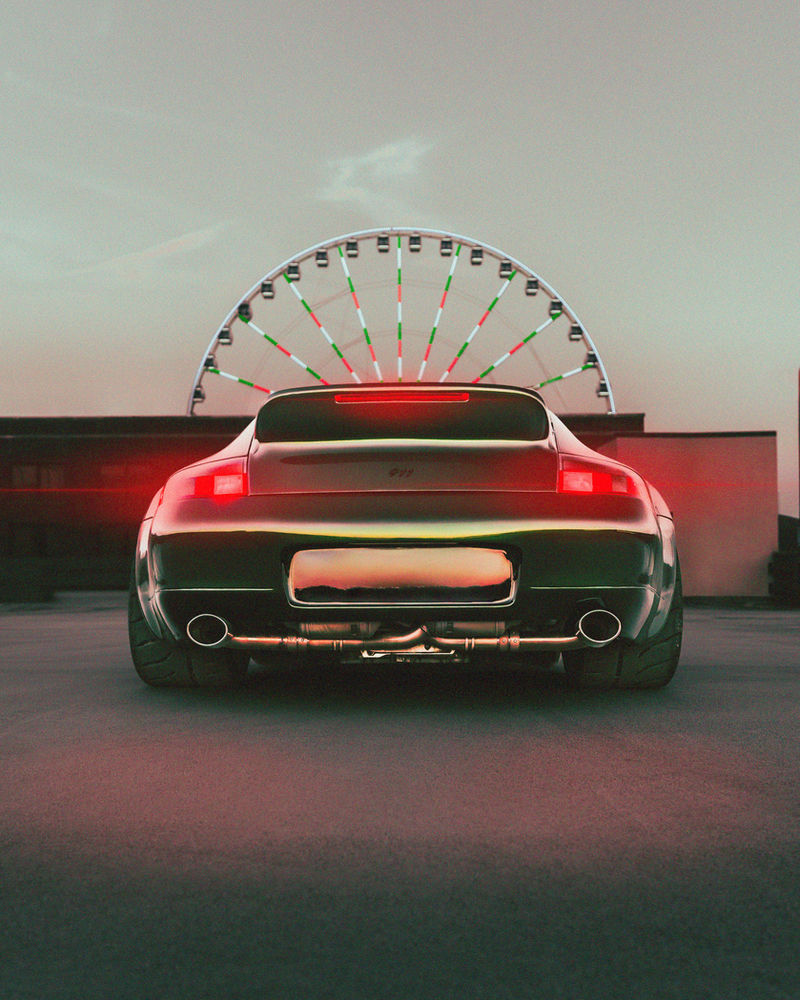
- Rust Gold, Matte Ember, Golden Split, Red Line
- Exposure left alone, so you set it per photo
- Install guide PDF included
$15
Lightroom presets & tools
The grades and tools behind my @dreedphoto edit breakdowns, built for car photography in Lightroom Classic and Lightroom. Instant download after checkout.
Read this first
Every photo has different light, white balance and exposure. These presets give you the baseline of my look. From there you set your exposure, adjust white balance and dial the Amount slider until it fits your shot. That last 20% is what makes it yours.
The packs
12 presets
Four signature looks, each in Core, Soft and Moody strengths.

12 presets + 24 tools
Everything. Start with a look, then finish with the tools, the same way I edit.

24 tools
Stackable fixes and finishes. Each one changes only its own settings, so they layer on any look.
Inside Street Grades
Each one comes from a real edit breakdown on my Instagram.


How it works
Questions
Lightroom Classic and Lightroom (desktop), with sync to Lightroom mobile. The files are standard .xmp presets.
Yes, but they're tuned for RAW files. On a JPEG, set white balance by eye after applying a look.
No preset can promise that. Your light, location and camera are different. The preset gets you to my baseline fast, and a few adjustments get you the rest of the way.
Car Pop and Sky Recover use Lightroom's Select Subject and Select Sky. They're marked beta: if a mask doesn't fit your photo, open Masking and click Update.
Yes, on your own photos, personal or client. Please don't resell or share the preset files.
Something else? DM @dreedphoto.